
Comparison guide
Which Kind of AI Video Generator Do You Need?
Choose an AI video generator by the output you need first: an explanation, a presenter, a visual clip or an edit of existing footage. Then test tools within that workflow. Comparing unrelated formats as one ranked list obscures the decision.
By ToMotion AI, a product of Assureme Technologies Private Limited.
Published by ToMotion AI. This guide maps video tasks to workflows; it is not an independent ranked product test.
At a glance
- Define the deliverable before choosing a product.
- ToMotion’s focus is narrated animated explanation.
- Check whether the job actually needs generation, a recording or an editor.
Start with what the viewer needs to see
If the viewer needs to understand a process, an animated explanation may fit. If they need to see an exact application action, a recording of that interface may be necessary. If the deliverable is a visual shot, narration and a lesson structure may be irrelevant.
This distinction saves you from choosing a popular tool that solves a different problem. Write one sentence describing the finished deliverable before comparing feature lists.
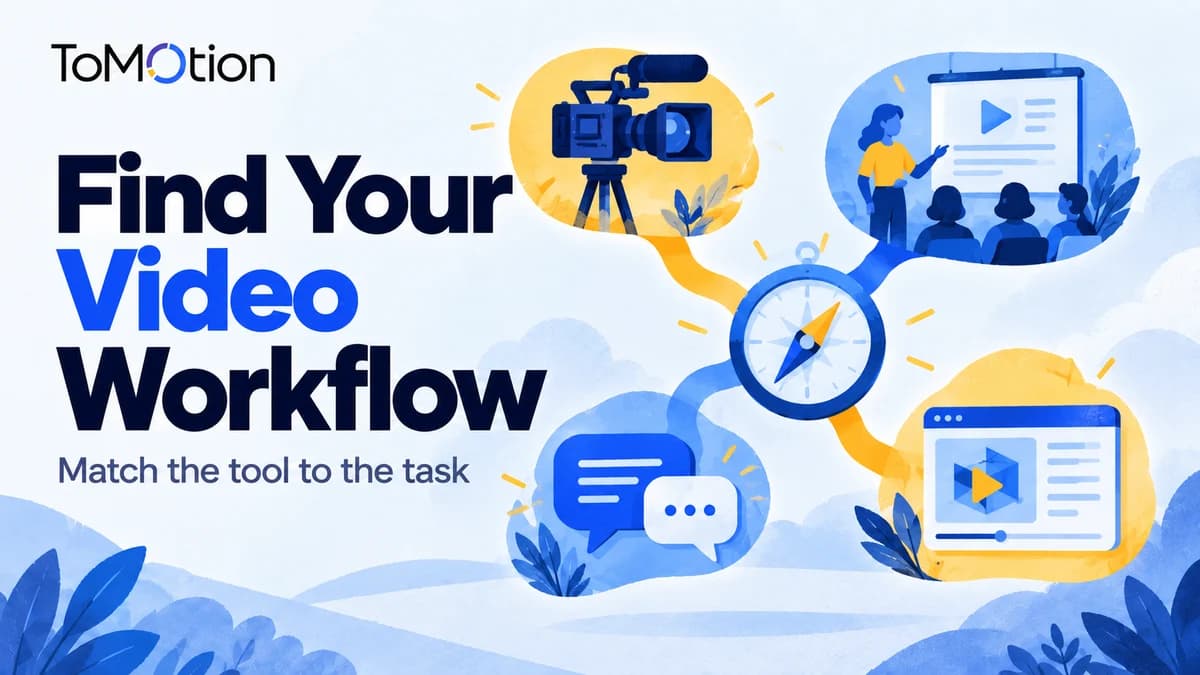
Use a format decision guide
The categories below describe jobs, not rigid product boundaries. Many products support multiple workflows, so check the specific one you intend to use.
| Your job | Workflow to investigate | Main acceptance check |
|---|---|---|
| Teach a concept or process | Narrated animated explainer | Does it explain the source accurately? |
| Deliver a presenter-led message | Recorded presenter or approved avatar workflow | Does the presentation fit the audience and message? |
| Create a visual shot | Generative video clip workflow | Does the movement and visual continuity meet the brief? |
| Show an exact product interface | Screen recording and editing | Does the video match the real UI? |
| Rework existing footage | Editing and repurposing | Are the necessary clips, context and rights retained? |
Where ToMotion fits in that choice
ToMotion creates narrated animated explanations from prompts and scripts. For document or deck material, paste the relevant text or a prepared summary; the current attachment control accepts reference images.
Use it as a candidate for lesson examples, process explanations and product concepts. Do not choose it on the assumption that it records an exact interface, imports an editing project or supplies a presenter avatar.
Evaluate the whole path to a finished video
Write down which material you already have and which work remains. A tool may create a visual draft while still leaving narration, correction or distribution to another workflow.
Try one representative project. Record input preparation, generation waiting time, hands-on revision and final review separately. That lets you compare useful output instead of treating the shortest demo as evidence of the best workflow.
Narrow the comparison before buying
Once you know the format, compare candidates that can satisfy the same requirements. Check current usage limits, output restrictions and total charges in the selected offer.
If you need several formats, it is reasonable to keep more than one workflow. The relevant question is whether each one earns its place in the production process.
Quick checklist
Name the deliverable.
Identify the source material.
Choose the required video workflow.
Check capabilities in the actual selected product.
Test preparation, correction and delivery.
Compare total charges and effort.
FAQ
Is every AI video generator a text-to-video tool?
The term covers different workflows: visual clip generation, presenter videos, animated explanations and AI-assisted editing. Check what the selected product actually produces.
Is ToMotion suitable for every video format?
No. The workflow described here focuses on narrated animated explainers from prompts, scripts and source text.
How should I compare AI video generators?
Choose a single required format and source, test candidates against the same acceptance criteria and include revision work and total charges.
Create your own AI video
Use ToMotion AI to turn prompts, scripts and prepared source material into narrated animated videos.