
 For educators
Make lessons click
Break down a big concept into a visual explanation students can follow.
Try this ideaTurn a prompt, your own script, or notes from a document into a narrated whiteboard explainer.
Hand-drawn visuals, AI voiceover, and animation. All in ToMotion.
Start with a few words. Shape the style and voice in the editor.
Choose Hand Drawn in the editor for a whiteboard look.Bring the knowledge. ToMotion helps turn it into something people can see and hear.
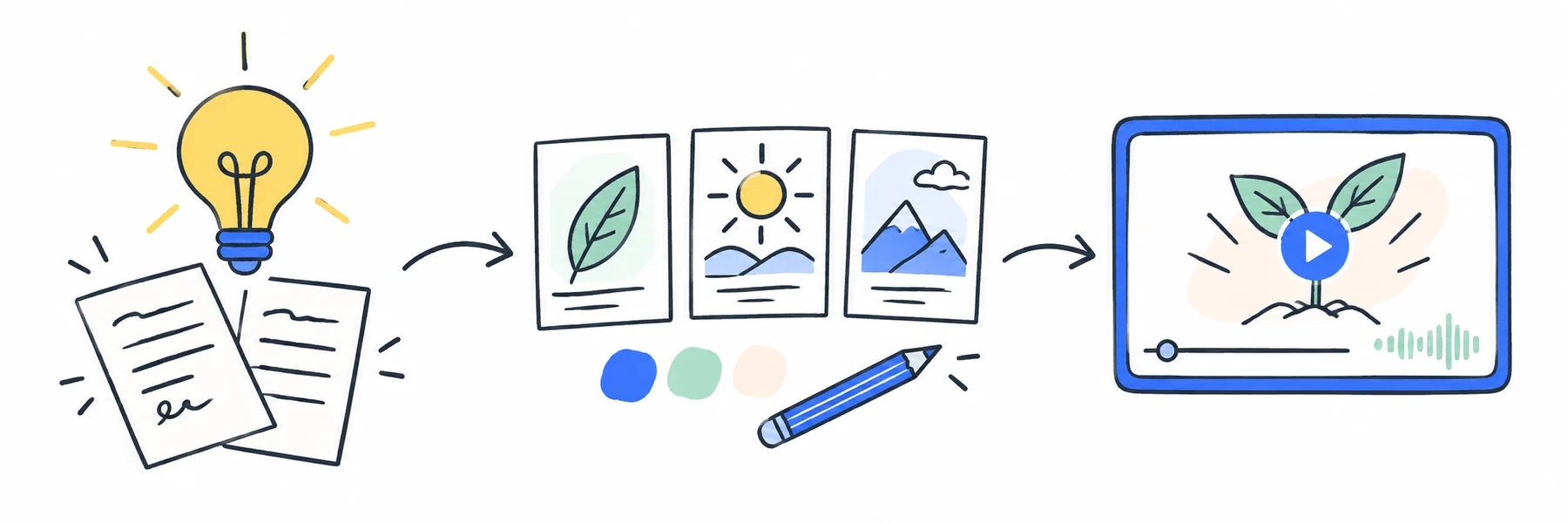
Describe your topic and audience, or paste prepared narration with Use own script. Copy relevant notes from a document to use them as source text.
Select Hand Drawn for a whiteboard look. Choose a voice, length, and horizontal or vertical format in the editor.
Generate your video, then check the narration, labels, and diagrams. Confirm download access and credit usage before starting.
The Newton’s second law video above was made in ToMotion from a short topic prompt. Open its public page to watch the full result and inspect the recorded creation settings.
Watch the example and view its detailsNewton second law
Published August 7, 2026. A new generation can differ. For a more specific lesson, add your audience, required facts, and a concrete example to the prompt.
Start with this topicChoose the theme, voice, and length in the editor.
 A clear picture goes a long way.
A diagram can show a connection. A voice can guide the story. Animation brings the pieces together.
A lesson, a launch, or the way your team works. Start with a story that matters to you.
For educatorsBreak down a big concept into a visual explanation students can follow.
Try this idea For marketers
Introduce a product with a clear story about the problem it solves.
Try this idea For teams
Turn onboarding notes and everyday processes into easy-to-follow training.
Try this ideaKeep it classic, add a little color, or take it back to the chalkboard. Check the available themes in your editor; some styles require access to be unlocked.
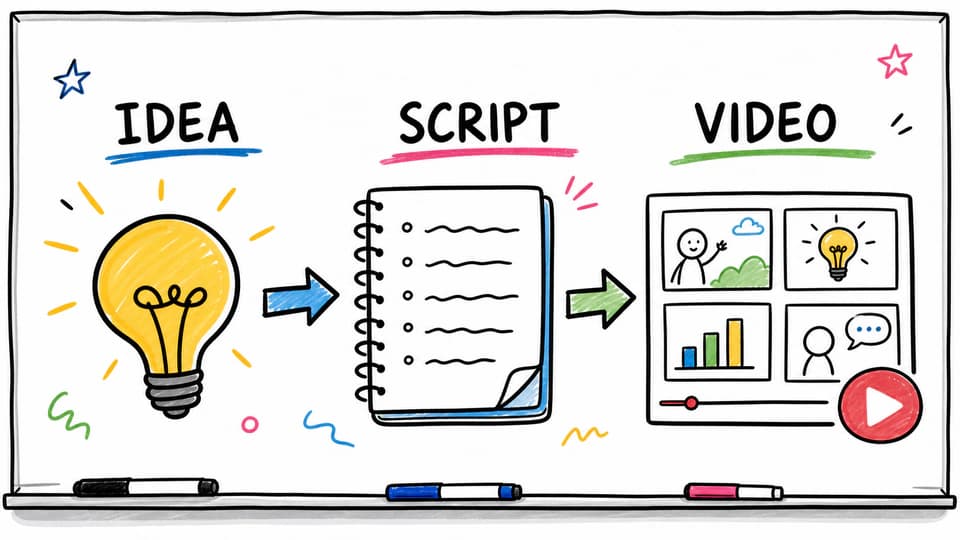
Clean lines. A little classroom charm.
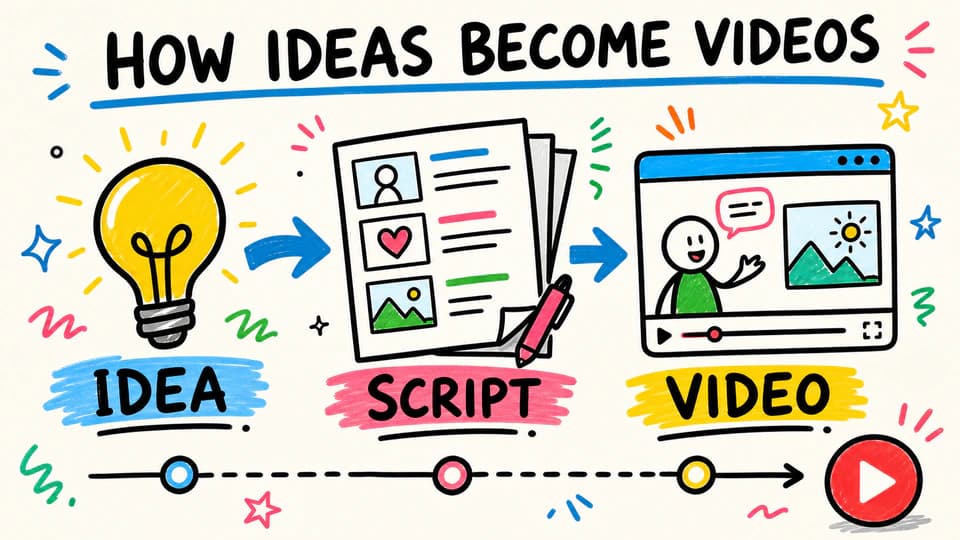
Big ideas with a splash of color.
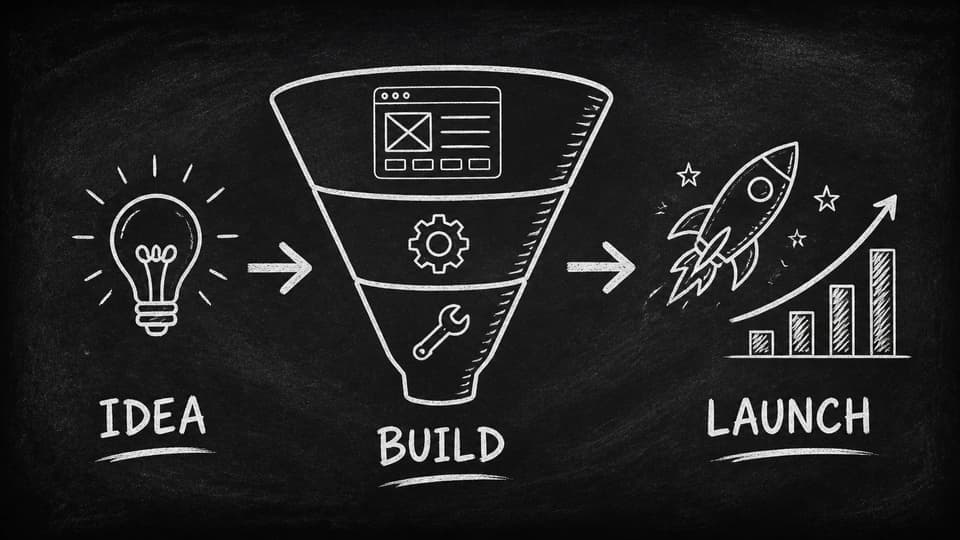
A familiar board. A fresh explanation.
Compare tools, study real outputs, or prepare the words your video will explain.
Drawing control, editing, and the workflows each tool suits.
Read guide
Named tools, input methods, and a brief you can test yourself.
Read guide
Real ToMotion outputs with prompts and lessons to apply.
Read guide
Match the narration to a clear sequence of visual ideas.
Read guideA whiteboard video explains an idea through hand-drawn-style illustrations, diagrams, and animation. ToMotion combines those visuals with narration to help you tell a clear, step-by-step story.
No drawing skills are needed. In prompt mode, ToMotion develops your brief into narration and animated visuals. Use own script when you want to supply the narration yourself. Choose a theme, voice, and format before generating.
Yes. Paste your narration with Use own script, or copy relevant text from a document or presentation into a brief. The current creation form supports reference-image uploads; it does not provide a PDF or PowerPoint upload workflow.
ToMotion generates narrated animation in a hand-drawn visual style. It is not a drawing-path editor, and a whiteboard look does not guarantee a visible hand drawing every frame. Watch the examples to check the style; use a dedicated whiteboard editor if you need precise stroke timing.
Yes. Choose your voice and settings in the editor. ToMotion supports horizontal 16:9 videos and vertical 9:16 videos for different viewing formats.
Video generation uses credits, with usage depending on your selected settings. Paid credit packs include downloadable videos, commercial use, and watermark-free exports. See the pricing page for current packs and credit details.
Let’s turn what you know into something worth watching.
Make your whiteboard video