
 ToMotion practical guideWhiteboard Explainer Video Examples: Prompts and ResultsA useful whiteboard explainer makes a relationship, process or decision visible. Explore real ToMotion examples, then use the planning briefs below to build a video with a clear audience, a specific takeaway and visuals that support the narration.7 min readOct 4, 2026
ToMotion Guide
Tips, tutorials, and ideas for AI video creation
Practical playbooks for planning, prompting, and creating animated explainer videos from ideas, documents, PPTs, SOPs, and lesson material.
Search by topic, workflow, source type, or use case.
Browse by topic
Featured guide
Whiteboard Explainer Video Examples: Prompts and Results
A useful whiteboard explainer makes a relationship, process or decision visible. Explore real ToMotion examples, then use the planning briefs below to build a video with a clear audience, a specific takeaway and visuals that support the narration.
Read featured guideGet Started
4Basics, workflows, and first-video planning.
ToMotion practical guideWhiteboard Explainer Video Examples: Prompts and ResultsA useful whiteboard explainer makes a relationship, process or decision visible. Explore real ToMotion examples, then use the planning briefs below to build a video with a clear audience, a specific takeaway and visuals that support the narration.7 min readOct 4, 2026 ToMotion practical guideProduct Explainer Video Guide: Script, Storyboard and ExampleA product explainer tells a specific audience what a product helps them do, how that change works and what to do next. Build the story around one customer problem and a supported benefit, then choose animation or real product footage according to what the viewer needs to see.6 min readOct 4, 2026
 Explainer video guideHow to Make an AI Explainer Video: Step-by-Step GuideTo make an AI explainer video, define one audience and outcome, prepare the facts or narration, choose your video settings, generate a draft and check it against the source. Here is a complete first-video workflow in ToMotion AI.5 min readOct 2, 2026
 Doodle video tutorialHow to Make a Doodle Video: Script, Scenes and ReviewMake a doodle-style explainer by choosing one idea, writing conversational narration and assigning a simple drawing to each part of the explanation. Then choose whether to direct the drawings manually or test a generated animated version.4 min readOct 2, 2026
Pricing & Credits
2Plan breakdowns, credit usage, and cost planning.
 Pricing guideToMotion AI Pricing: Credit Packs, Usage and ExamplesToMotion AI uses credit packs valid for 60 days from the date of purchase. Your usage depends on duration, quality and voice choices. Compare the current packs below and budget for all drafts, not just the length of the final published video.6 min readOct 2, 2026
 Video budgeting guideExplainer Video Cost: A Budget Worksheet and AI ExamplesAn explainer video budget includes preparation, production, revisions and delivery. Compare quotes or tools against the same scope and count the work needed to reach an approved video, rather than comparing headline prices per minute.4 min readOct 2, 2026
Convert to Video
4Turn documents, decks, SOPs, and source material into videos.
 ToMotion practical guideVertical Explainer Videos for Shorts, Reels and TikTokA vertical explainer should answer one clear question in a layout designed for a phone. Choose portrait before generation, simplify the scene structure and preview the final video inside the destination app so captions and controls do not cover essential information.6 min readOct 4, 2026
 ToMotion practical guideTurn Help Center Articles into Customer Support VideosTurn a help article into a support video by selecting one customer task, preserving the verified steps and showing the result the customer should expect. Keep the written article available for scanning and updates, and use real screen footage whenever exact interface actions matter.6 min readOct 4, 2026
 Document to video guideDocument to Video AI: Convert PDFs and Notes into a VideoConvert a document into an AI video by selecting the material your viewer needs, adapting it into a brief or narration, generating scenes and checking the result against the source. ToMotion currently uses pasted text or summaries for this workflow.5 min readOct 2, 2026
 PPT to video guidePPT to Video: PowerPoint Export vs AI AnimationUse PowerPoint video export when you want to retain the presentation. Use an AI explainer workflow when you want to turn its ideas into newly generated scenes and narration. In ToMotion, start by pasting slide content or a deck summary.4 min readOct 2, 2026
Training & Education
6Create learning, onboarding, and classroom explainers.
 ToMotion practical guideHow to Create Employee Onboarding Videos with AICreate employee onboarding videos around the tasks a new hire needs to complete, not a reading of the whole handbook. Use short explanations for context, approved documentation for exact procedures and a manager or buddy for questions and practice.6 min readOct 24, 2026
 ToMotion practical guideHow to Make Faceless Educational YouTube Videos with AIA faceless educational video teaches through narration, diagrams, examples or real screen footage without requiring an on-camera presenter. Start with a question you can answer accurately, build an original explanation, and use AI to help produce the visuals rather than to replace the research.6 min readOct 24, 2026
 ToMotion practical guideCreate Differentiated Video Lessons for Different Learning LevelsDifferentiate a video lesson by changing the support, prerequisite explanations and challenge while keeping the learning goal clear. Use evidence of what learners already understand to choose a version, then check their understanding with a task rather than assuming a longer or more colorful video is better.6 min readOct 4, 2026
 SOP training guideSOP to Training Video: Steps, Example and Review ChecklistTurn an SOP into a training video by choosing one task, preserving its steps and exceptions, writing a realistic scenario and checking the generated video against the approved procedure. Assign an owner to update it when the SOP changes.5 min readOct 2, 2026
 Education video guideAnimated Lesson Videos: A Teacher’s Planning GuideCreate an animated lesson video by defining one learning goal, explaining a worked example and giving the learner a chance to apply it. Use AI to draft the video, then check the narration, diagrams and answer against your teaching material.4 min readOct 2, 2026
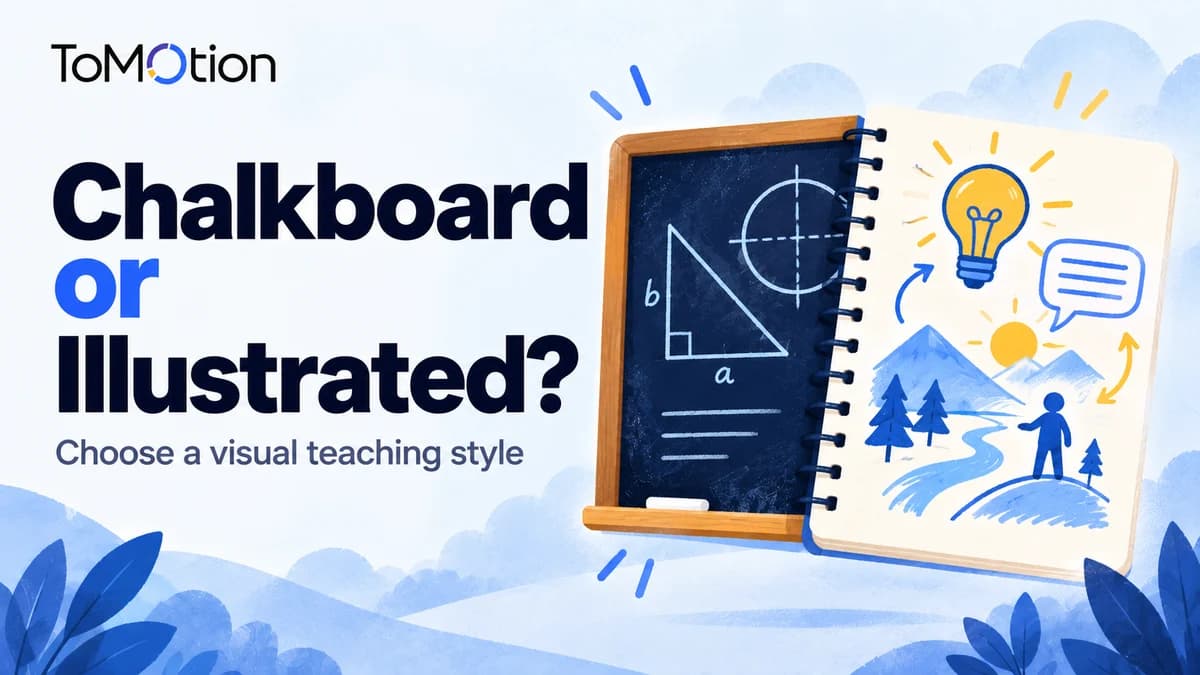 Educational format guideKhan Academy vs After Skool Style: Plan an ExplainerChoose a step-by-step explanation when the viewer needs to follow a method. Choose illustrated storytelling when a narrative or analogy helps introduce an idea. The references in this guide describe broad creative directions, not affiliations or promises to reproduce a creator’s work.4 min readOct 2, 2026
Prompting
4Write better prompts for clearer animated videos.
 ToMotion practical guideWhiteboard Video Script Template and Worked ExamplesWrite a whiteboard video script in two columns: what the audience hears and what the audience sees. Start with one viewer problem, explain the important change, and finish with an action or question. Use the template below to turn that structure into a usable brief.6 min readOct 4, 2026
 ToMotion practical guideHow to Make AI Explainer Videos Look ProfessionalAn AI explainer looks professional when the story is coherent, the visuals explain the right idea and the audio is easy to follow. Review those fundamentals before adding decoration. Identify the specific failure, change the relevant part of the brief and inspect the new output against the original goal.6 min readOct 4, 2026
 ToMotion workflow guidePrompt vs Script Mode in ToMotion AIStart with a brief when you want ToMotion to write the narration. Enable Use own script when you have the spoken copy ready. This guide explains the choice, the fields to use, and how to prepare each input.9 min readOct 23, 2026
 Prompt guideAI Explainer Video Prompts: Templates and ExamplesA useful AI explainer prompt states the audience, the question to answer, the source facts and the visual relationship to show. Use the templates below as briefs, replace the placeholders and choose matching settings in ToMotion.5 min readOct 2, 2026
Comparisons
14Compare AI video tools, alternatives, and workflows.
 ToMotion practical guideWhiteboard Animation vs AI Avatars vs Screen RecordingUse whiteboard-style animation to explain concepts and relationships, a presenter-led format when the speaker’s role matters, and screen recording when viewers must see an actual interface. The right choice depends on what must be understood or verified, not on a universal ranking of video formats.6 min readOct 4, 2026
 InstaDoodle alternatives guideInstaDoodle Alternatives for AI Whiteboard VideosConsider ToMotion for narrated illustrated explainers from a brief or script, Doodly for custom drawing paths, and VideoScribe for an editable whiteboard workflow. InstaDoodle itself combines AI generation with an editor. Choose an alternative around the specific result or revision you need, rather than switching simply to get AI.7 min readOct 24, 2026
 Doodly alternatives guideDoodly Alternatives for Whiteboard AnimationToMotion is a Doodly alternative for generating narrated illustrated explainers from a brief or script. Consider VideoScribe for editable whiteboard scenes and InstaDoodle for a browser-based doodle editor with AI tools. Keep Doodly when its custom drawing paths and your existing projects are essential to the result.7 min readOct 24, 2026
 VideoScribe alternatives guideVideoScribe Alternatives for AI Whiteboard VideosConsider ToMotion for narrated illustrated explainers generated from a brief or script, Doodly for custom drawing paths, or InstaDoodle for a browser-based doodle editor with AI features. Keep VideoScribe on your shortlist when maintaining reusable scenes and precise camera or timeline control matters most.7 min readOct 24, 2026
 Vyond alternatives guideVyond Alternatives for AI Animated Explainer VideosConsider ToMotion for narrated illustrated explainers, Animaker for character animation, Powtoon for animated presentations, and Synthesia for presenter-led training. The right Vyond alternative depends on what you need to explain and how much scene control your team requires. Compare these workflows, costs and switching limits before moving your projects.8 min readOct 24, 2026
 Powtoon alternatives guidePowtoon Alternatives for AI Explainer VideosConsider ToMotion for generated illustrated explainers, Vyond or Animaker for character-led animation, and Synthesia for presenter-led training. Powtoon remains an option for animated presentations and AI-assisted production. Compare the format, exports, revision effort and payment terms that matter for your next video.9 min readOct 24, 2026
 Golpo AI vs ToMotion AIGolpo AI Alternative for Whiteboard Videos | ToMotion AIToMotion AI turns a topic or prepared script into a narrated whiteboard explainer. Choose it when you want to create lessons, product explanations or training videos with credit packs valid for 60 days from the date of purchase. Watch a real example, compare the controls and see what a small video project costs below.8 min readOct 24, 2026
 Comparison guideSynthesia Alternative: When to Use an Animated ExplainerConsider ToMotion as a Synthesia alternative when the main job is illustrating an idea through animated scenes. If a presenter, dubbing or a broader business-video workflow is central, evaluate the relevant Synthesia capabilities before choosing.3 min readOct 2, 2026
 Tools, pricing and examplesBest AI Explainer Video Generators: 5 Tools ComparedChoose an AI explainer video generator by what the viewer needs to understand. ToMotion and Golpo illustrate ideas, Synthesia offers presenter-led business video, and Animaker and Powtoon combine animation with editing workflows. Compare these five options for training, marketing and education, with pricing context for US and Indian buyers.8 min readOct 24, 2026
 Comparison guideBest AI Video Generator: Choose by Format and WorkflowChoose an AI video generator by the output you need first: an explanation, a presenter, a visual clip or an edit of existing footage. Then test tools within that workflow. Comparing unrelated formats as one ranked list obscures the decision.4 min readOct 2, 2026
 Tools, pricing and examplesBest Whiteboard Animation Software: 6 Tools ComparedChoose ToMotion for a narrated whiteboard explainer from a brief, Doodly for custom drawing paths, or VideoScribe for an editable scene project. Canva, Animaker and Powtoon offer design and template-based options. Compare the work each tool handles, what you still need to do, and the purchase terms that matter for US and Indian creators.8 min readOct 24, 2026
 Tools, pricing and examplesBest AI Whiteboard Video Generators: 5 Tools ComparedToMotion and Golpo are options for generating narrated whiteboard explanations from source material. Animaker adds a character-led editing workflow, VideoScribe combines AI assistance with scene control, and Powtoon offers templates and AI creation. Compare how much each tool generates, what you can revise, and what a usable video costs.8 min readOct 18, 2026
 Comparison guideWhiteboard Video Makers: Free Trials, Exports and CostsA whiteboard video maker must let you deliver the result your project needs. Before choosing a free trial or paid offer, verify downloads, watermarks, usage limits, revision access and the terms that apply to your intended use.4 min readOct 2, 2026
 Comparison guideDoodly Lifetime Deal: What to Check Before SwitchingIf you bought a Doodly lifetime offer, first verify the terms of your purchase and what your account still provides. Then compare the work you need to do next. A different public offer does not by itself prove that an older license has ended.3 min readOct 2, 2026