
SOP training guide
How to Create Training Videos From SOPs
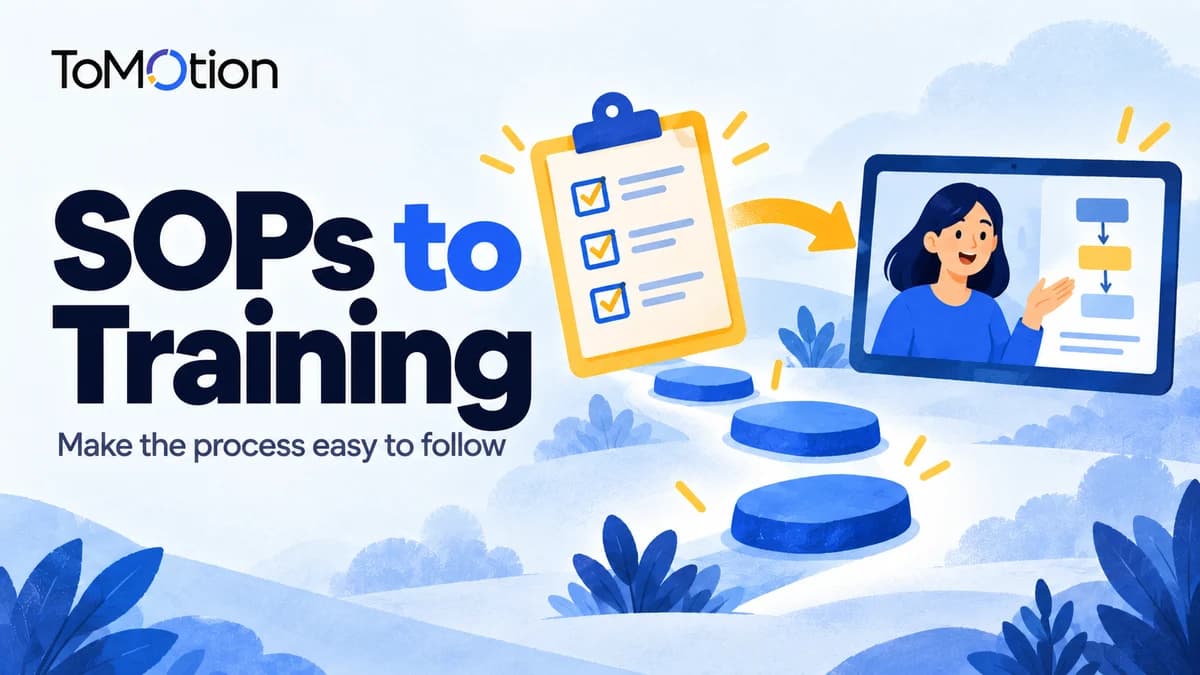
Turn an SOP into a training video by choosing one task, preserving its steps and exceptions, writing a realistic scenario and checking the generated video against the approved procedure. Assign an owner to update it when the SOP changes.
By ToMotion AI, a product of Assureme Technologies Private Limited.
Script-mode steps apply when Use own script is available in your create screen. If you do not see that control yet, start with a reviewed source brief in prompt mode.
At a glance
- Teach one task and show what successful completion looks like.
- Preserve decision points, exceptions and who owns each action.
- Review against the approved SOP and explicitly disable Public Gallery for internal work.
Choose one task and the current approved procedure
Start with a task employees need to perform, such as handing over a support case. Use the current approved SOP and note its owner and version. Do not combine several unrelated policies just because they live in the same handbook.
Write an observable outcome: after watching, the employee can identify when to hand over a case and what the receiving owner needs. This gives the reviewer something more concrete to assess than whether the animation looks polished.
Build a source checklist before writing narration
Plain language should preserve the procedure. Keep exact terms where employees need them to recognize a form, system or role. Do not shorten a conditional instruction into an unconditional one.
| Element | Question to answer | Example to check |
|---|---|---|
| Trigger | When should the task start? | The case requires a different owner. |
| Responsibility | Who performs and receives the action? | Current owner and receiving owner. |
| Required information | What must accompany the handoff? | Status, attempted work and open questions. |
| Exception | When should the normal process stop? | A required detail is missing. |
| Completion | How do we know the handoff is done? | Use the confirmation defined by the actual SOP. |
Write a scenario that includes a decision
Use a fictional, non-sensitive example to connect the steps. The scenario below is a planning template, not a recommended company policy. Replace the bracketed conditions with the rules from your approved SOP.
Create a training explainer for [role] about [task]. Source SOP: [title and version]. The task starts when [approved trigger]. Follow these steps in order: [steps and owners]. If [exception], follow [approved exception path]. Use a fictional case to show the normal path and one common mistake. End with [completion check]. Do not invent escalation deadlines, approval rules or system actions.
Generate from a brief or a prepared script
Paste the checked outline into the create form. If a process owner has prepared the spoken wording, enable Use own script and put that copy in Script. Describe the process diagram and audience separately in Video instructions.
For internal material, turn off Publish to Public Gallery before generating. It is selected by default on a fresh create form. Check the setting on every project; public watch pages can expose the prompt and narration as well as the video.
Choose a length that leaves room for the exception as well as the normal path. If that makes the explanation crowded, create separate task videos rather than removing the condition that makes the procedure correct.
Use a process-owner review before distribution
Ask the owner of the SOP to check the finished narration and visuals together. A correct sentence next to an incorrect arrow can still teach the wrong process. Treat unsupported steps and missing exceptions as reasons to revise the video.
Then ask a representative learner to explain what they would do in the example. Their answer can reveal an unclear handoff or missing definition. This is a suggested review method, not evidence of measured learning gains.
- Check step order and the role responsible for each step.
- Check the normal path and every included exception.
- Verify labels, terminology and completion criteria.
- Confirm that the example contains no sensitive real-world information.
- Check that the video links or points to the full procedure.
Quick checklist
Use the approved SOP version.
Preserve triggers, roles, steps and exceptions.
Use a non-sensitive scenario.
Turn off Public Gallery for internal work.
Obtain a process-owner accuracy review.
Record who updates the video when the procedure changes.
FAQ
Can AI turn an SOP into a training video?
Yes. Prepare the relevant SOP text as a brief or script, generate the explanation and have the process owner verify it against the approved procedure.
How do I prevent the video from inventing policy?
Provide the actual source steps and exceptions, instruct the brief not to invent rules, and verify the finished narration and visuals. Prompt instructions are not a substitute for review.
Are SOP videos private by default?
Do not assume that. Publish to Public Gallery is selected on a fresh create form. Turn it off for internal work and verify visibility before distribution.
How do I update a video when the SOP changes?
Keep the source version and video location in your maintenance record. Revise the affected brief or script, review the new output and replace outdated distribution links.
Create your own AI video
Use ToMotion AI to turn prompts, scripts and prepared source material into narrated animated videos.